Digital Product Passport
DPP vs Barcode, QR Code and Product Label
What separates a Digital Product Passport from a classic barcode, a marketing QR code or a product label — and why your existing QR is not enough.

"We already have QR codes on our products" is the sentence we hear most in DPP conversations. True — and not sufficient. Five invisible but decisive differences separate a marketing QR code from a Digital Product Passport.
1. What it carries: a number or an identity?
A classic EAN/GTIN barcode carries a number that the till maps to a price. In a DPP the identifier is the product's globally unique identity and is directly web-addressable. GS1 Digital Link builds exactly that bridge: the same GTIN scans at the till and forms part of a URL. See GS1 Digital Link and what a GTIN is.
2. Where it goes: a campaign page or a data service?
| Marketing QR | Digital Product Passport | |
|---|---|---|
| Target | Campaign page, video | Structured passport data |
| Format | HTML | HTML + JSON-LD (content negotiation) |
| Lifetime | The campaign | The product's expected lifetime |
| Access | Same for everyone | Tiered by role |
| Registration | None | EU DPP Registry |
See how a DPP works.
3. Machine readability
A marketing page is for humans. A passport is also for machines: a recycler's sorting system, a customs query interface, a retailer's product data service. That is why the passport must also be served in a structured format such as JSON-LD. See JSON-LD and DPP data.
4. Integrity and versioning
You can edit, delete or rewrite a campaign page. A passport does not work that way: updates are versioned append-only, older versions stay reachable and content can be verified with a digital signature. It has to be able to answer "what did you declare last year?" See audit trails and versioning and DPP verification and digital signatures.
5. Legal status
This is the biggest difference: a marketing QR is voluntary, while for in-scope products a DPP is a condition of market access. Without a registry entry the product cannot be placed on the market, and customs can query that entry. See DPP checks at customs.
Turning your existing QR into a DPP
- Standardise the identifier: use a GTIN-based Digital Link URI instead of an arbitrary short link.
- Put a resolver in the middle: keep the printed link fixed and update the redirect. See what a resolver is.
- Structure the data: break page text into fields.
- Add tiers: which fields are public, which are for authorised roles?
- Set up versioning and signing.
- Connect registry submission.
For size and print rules on the label side, see QR code design.
Frequently asked questions
Will I have to change my barcode?
No. Your GTIN stays the same; Digital Link makes the same number web-addressable. Labels usually carry the classic barcode and a 2D code side by side.
Can one QR serve both the till and the passport?
Yes — that is the purpose of GS1 Digital Link. During transition, two codes are commonly printed together.
Can I use a link shortener?
Not advisable. Third-party shorteners are risky for persistence, security and data sovereignty, and a passport must stay reachable for the product's lifetime.
Does an NFC tag replace the barcode?
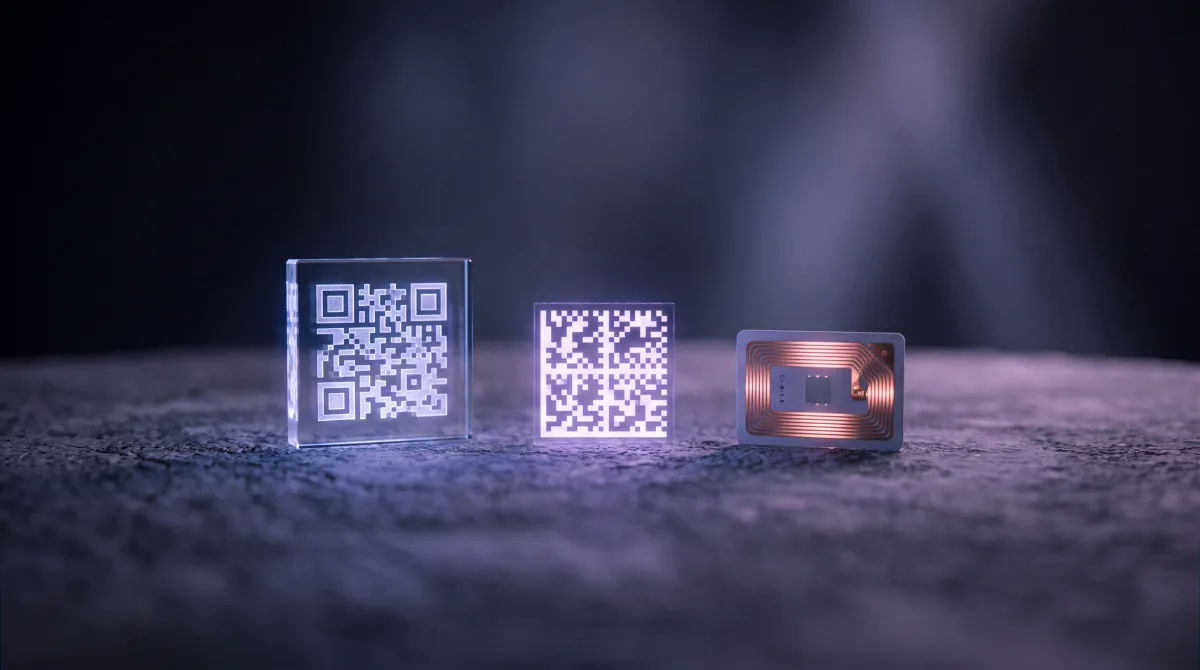
EN 18220 requires at least one app-free, smartphone-readable carrier. NFC meets that on some devices, but in practice it is used alongside a QR. See NFC and RFID.